What to look for in turf booking software
A checklist for ground owners choosing booking software. Who keeps your customers, how a double booking is stopped, where advance money goes, and what to ask before you leave the register.
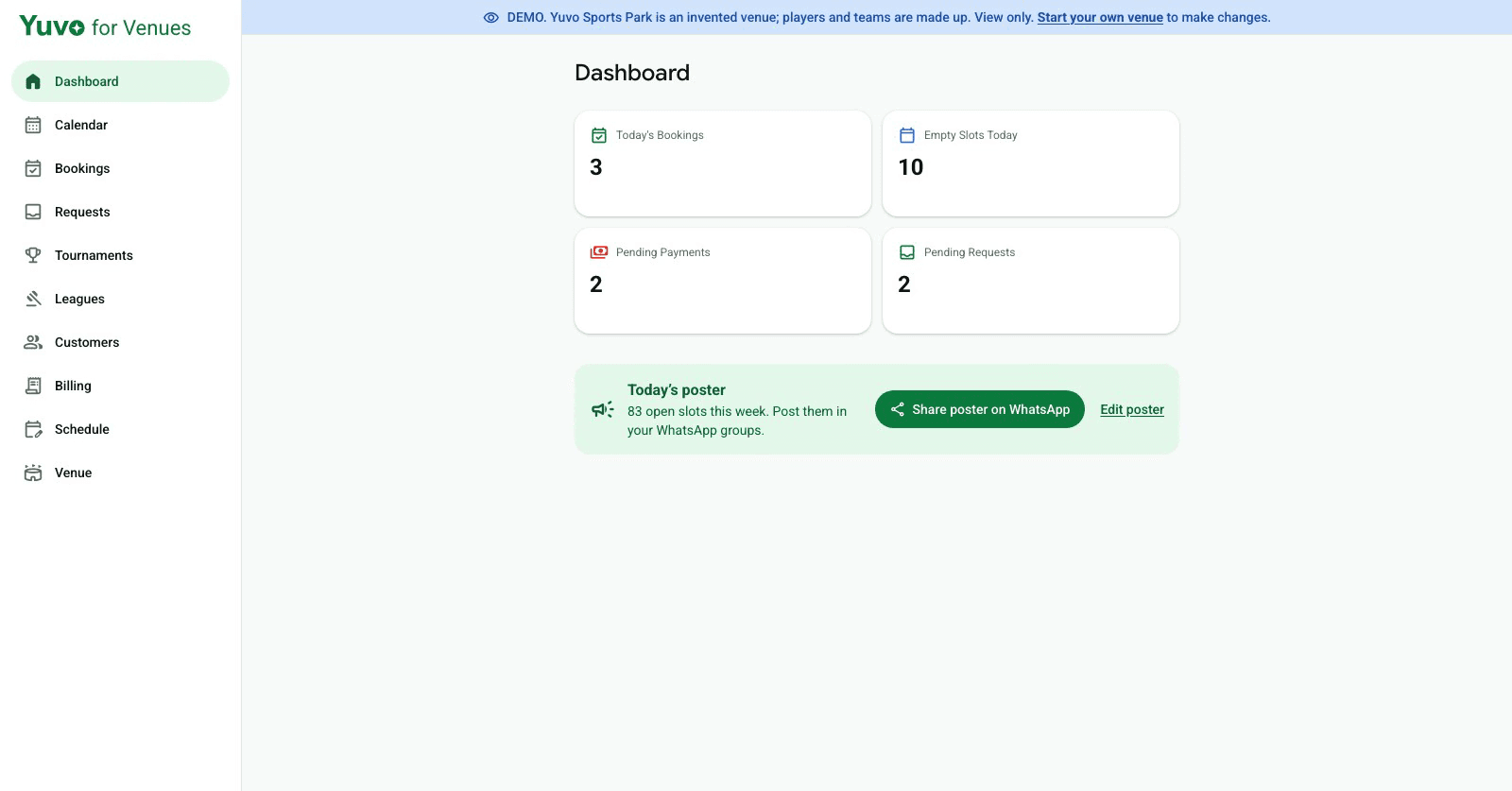
Most turf owners do not start by looking for software. They start with a register, a phone that rings in the middle of a match, and a WhatsApp group where slots get confirmed. The software question comes later, usually after the first double booking.
This is a checklist for that moment. It is written for one ground owner, so it skips long feature lists and sticks to the questions that decide whether a tool will actually run your day.
Who keeps the customer?
A booking tool sits between you and your captains. Ask whose name the captain sees, and whose number the booking is attached to. If the captain has an account with the platform and not a relationship with your ground, the platform decides where that captain books next time.
Look for a booking page on your own link, where a captain can ask for a slot with a team name and a WhatsApp number and nothing else. No app to download, no login. Then check that your bookings and your list of regulars are yours to download as a file. If you cannot export them today, you are renting your own customers.
How does it stop a double booking?
A double booking usually happens in the gap between two people. One captain asks on a call, another taps a slot online, and the register was updated for only one of them.
Ask how a slot becomes taken. The calendar you read should be the same calendar the public page reads, so a slot cannot look free on one and booked on the other. Ask what a walk in does: a cash customer who turns up at the ground should be recorded in the same calendar in one tap, not in a separate notebook.
Then ask what happens to a slot someone requested but nobody confirmed. A request should carry a confirm by time, and when that time passes the slot should open again on its own. Without that, one unanswered request can lock a Saturday evening slot all night.
Can you take an advance without a middleman?
Ask where the money goes. If an advance runs through the platform, you wait for a settlement and usually pay a fee on it. A simpler pattern is for the captain to see a UPI link and a QR for the exact amount after booking, so the money goes straight to your own UPI ID.
That only works if you have set your UPI ID, so check that the tool asks you for it and does not hold the money itself. Whatever the tool shows the captain, you still verify the payment in your own UPI app.
What if companies book your ground?
If a company books your ground every week, it will ask for a GST invoice. A company paying rent for the ground may also deduct TDS under section 194-I. So check that the tool can issue an invoice with the CGST and SGST split, or IGST, and that it keeps a register of the TDS entries so you can match them against Form 26AS when you file.
If your ground only sees cash from walk in teams, you can skip this section. If it does not, a tool without it sends you back to a spreadsheet on the last day of every quarter.
Where Yuvo fits, and where it does not
Yuvo for Venues is in beta. Today it gives you a booking page on your own link, a week grid calendar with available, held, booked and blocked slots, a request inbox with a confirm by countdown, walk in entries, a UPI link and QR for the exact amount, a regulars list you can import and export, and GST invoices with the TDS register. It does not take a cut of every booking.
It does not fill your slots by itself yet. Automatic slot filling is Coming soon, and until then you decide which regulars get a message and when.
The honest way to judge any tool, ours included, is to run your own busiest week through it. You can look around the demo first, on Yuvo Sports Park, a made up venue we use so that no real ground is shown. Start at Yuvo for Venues (opens in a new tab) and open the demo from there.